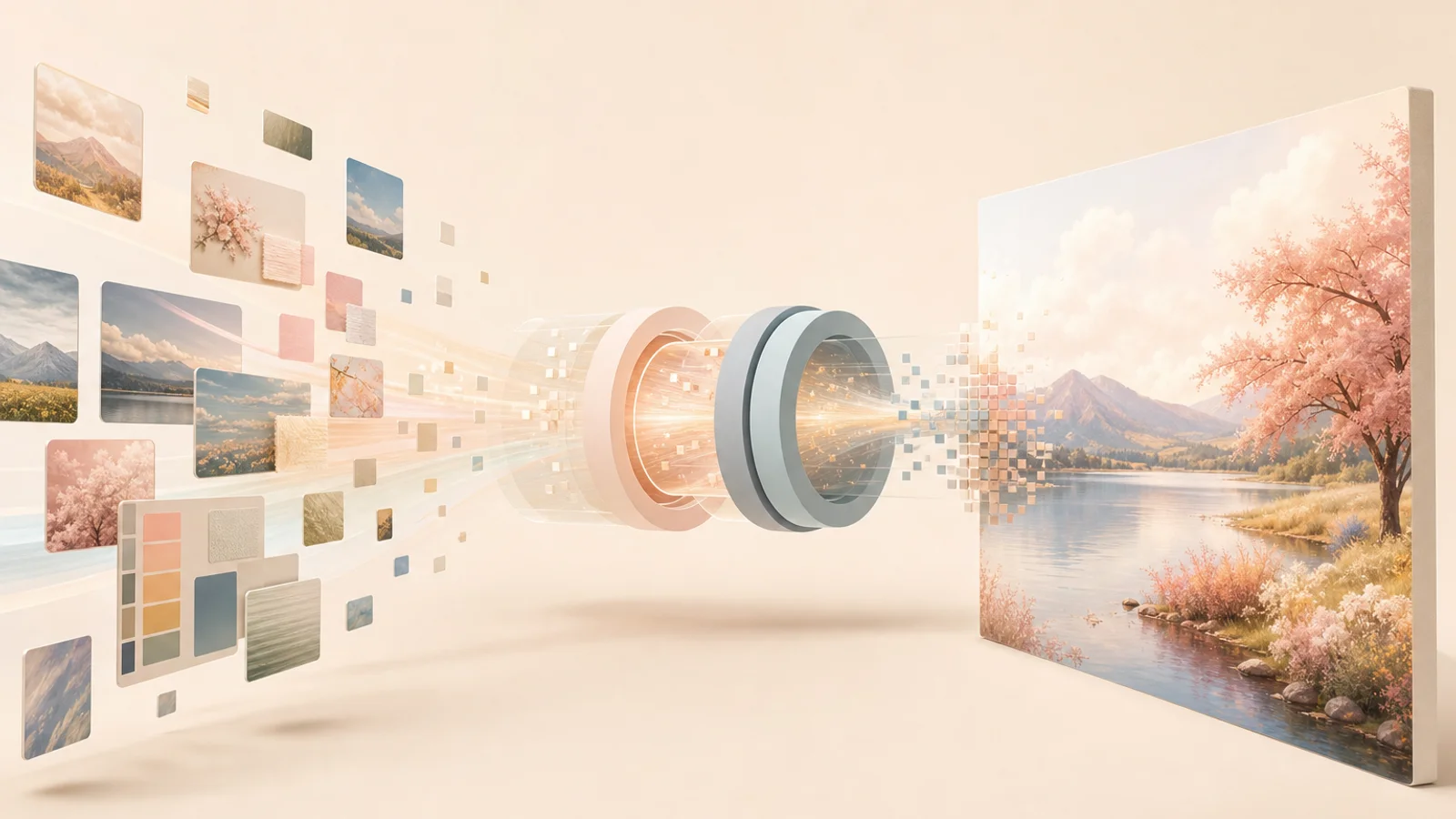
AI image generators feel like they should not work.
You type a sentence.
Something like:
A cozy reading room on the moon, warm lamp light, big window, soft blue shadows.
And then, a few seconds later, there it is.
A room.
On the moon.
With vibes.
This is the kind of technology that makes people say “the future is here,” usually while squinting at a picture where the chair has six legs and the coffee mug is emotionally fused to someone’s hand.
AI image generation is impressive.
It is also weird.
And the weirdness matters, because these tools can feel magical from the outside. You write words, the machine makes a picture, and suddenly everyone is arguing about art, jobs, copyright, creativity, prompts, and why AI still occasionally treats fingers like a loose suggestion.
So let’s take the magic feeling apart.
Not to make it less interesting.
To make it more understandable.
The simple version
An AI image generator is a tool that creates images from input.
That input is often text, but it can also include reference images, sketches, masks, style instructions, or editing requests, depending on the tool.
The common version people know is text-to-image:
You write a prompt.
The system generates an image that matches the prompt as best as it can.
The important part is this:
The AI is not copying a finished picture from a hidden drawer. It is generating a new image based on patterns it learned during training.
That does not mean the process is simple.
It does not make every result original in a meaningful artistic sense.
It does not answer every ethical or legal question.
But technically, the model is producing an output from learned patterns, not opening a secret folder labeled “moon reading room final.png.”
If you want the wider foundation first, I explained what AI actually is in plain English. The short version is that AI systems learn patterns from data and use those patterns to produce outputs or predictions.
For image generators, the output is visual.
And sometimes has too many teeth.
How text becomes an image
The first confusing part is this:
Images are not made of words.
So how does a sentence become a picture?
The system needs to connect language and visual patterns.
During training, models learn relationships between text descriptions and images. They learn that certain words often connect to certain visual features.
For example:
- “red apple” connects to round shapes, red colors, stems, fruit textures;
- “snowy mountain” connects to white peaks, blue shadows, rocky forms;
- “watercolor portrait” connects to soft edges, pigment-like textures, gentle blending;
- “cyberpunk city” connects to neon lights, dense buildings, rain, dramatic signs, and probably someone wearing a jacket with more zippers than necessary.
The model does not understand these things like a human artist who has seen snow, held an apple, and regretted buying uncomfortable boots.
It learns statistical relationships.
Words point toward visual patterns.
The prompt guides the image.
The model builds something that fits.
That is the basic idea.
Text does not turn into a picture directly.
Text becomes guidance for a system that has learned how visual features relate to language.
The role of prompts
A prompt is the instruction you give the AI.
For image generation, a prompt can include:
- subject;
- setting;
- mood;
- lighting;
- colors;
- style;
- camera angle;
- composition;
- level of detail;
- things to avoid;
- reference information.
A weak prompt might be:
A dogThat can work.
But it leaves a lot of decisions to the model.
What kind of dog?
Where is it?
Realistic or cartoon?
Close-up or full body?
Happy or dramatic?
Studio photo or oil painting?
Wearing sunglasses or living an honest life?
A more useful prompt might be:
A realistic portrait of a small brown dog sitting near a kitchen window in soft morning light, shallow depth of field, warm cozy mood.Now the model has more direction.
Prompting is not magic, though people sometimes talk about it like they discovered a secret spellbook.
A prompt is just communication.
The clearer the request, the better the odds of a useful result.
I wrote a separate guide on what prompts are and how to ask AI better questions because prompts matter for both text and images.
The funny part is that image prompts can become strangely poetic.
You start with:
dog near window
Then somehow end up with:
cinematic soft morning realism, warm neutral palette, gentle atmosphere, shallow depth of field, editorial photography, natural imperfections
At that point, you are not prompting.
You are seasoning.
What diffusion means, without the fog
Many modern AI image generators use a method connected to diffusion.
The word sounds scientific because it is.
But the beginner-friendly version is not too bad.
Imagine starting with visual noise.
Static.
Random pixels.
A messy cloud of nothing useful.
The model gradually removes noise and shapes the image step by step, guided by the prompt.
It is like watching a picture emerge from fog.
At the beginning, there is chaos.
Then rough shapes.
Then structure.
Then details.
Then texture.
Then the final image.
That is a simplified version of diffusion image generation.
During training, the model learns how images can be gradually noised and then reconstructed. Later, during generation, it uses that learned process in reverse: starting from noise and moving toward an image that matches the prompt.
The model is not “imagining” in the human sense.
It is not sitting there thinking:
I feel this moon room needs emotional curtains.
But the result can look imaginative because the model is combining patterns in flexible ways.
That is the strange beauty of it.
A process made of math can create something that feels visual, expressive, and occasionally haunted.
Why results can vary
If you run the same prompt twice, you may get different images.
That surprises beginners.
But image generation often includes randomness.
The model may start from a different noise pattern each time.
Different starting noise can lead to different final images, even with the same prompt.
Some tools let you control this with a seed.
A seed is a value that helps reproduce or guide the random starting point.
Same prompt plus same seed may produce similar or identical results, depending on the system and settings.
Different seed, different result.
This is why generating images often feels like exploring a space of possibilities.
You are not ordering one exact image from a vending machine.
You are describing a direction, then seeing what the model finds.
Sometimes it finds exactly what you wanted.
Sometimes it finds a beautiful accident.
Sometimes it finds a hand with nine fingers and the haunted confidence of a Victorian doll.
Generation is a negotiation.
A fast one.
But still a negotiation.
Why AI gets hands, text, and details wrong
AI image generators are much better than they used to be, but they still make strange mistakes.
Classic problem areas include:
- hands;
- fingers;
- teeth;
- text inside images;
- logos;
- small objects;
- reflections;
- symmetry;
- object relationships;
- exact counts;
- consistent characters;
- complex scenes with many requirements.
Why?
Because the model learns visual patterns, not physical reality in the same grounded way humans experience it.
A hand is complicated.
It has many positions.
Fingers overlap.
They bend.
They hide.
They change shape from different angles.
In training images, hands appear in thousands of forms, often partially visible, blurred, cropped, or distorted.
The model learns patterns of “hand-ness,” but that does not always translate into correct anatomy.
Text is also difficult because letters are precise.
A picture of text is visual.
But readable text requires exact symbol order.
Many image models can imitate the look of writing before they can reliably produce perfect words.
That is why AI text in images can look like a language invented by a printer during a fever.
A model may understand “this area should contain signage,” but not perfectly render the exact phrase you asked for.
This is improving, but the reason it was hard makes sense:
Images are fuzzy. Text is strict.
Fuzzy systems do not always enjoy strict tasks.
Training data: where the patterns come from
AI image models learn from large collections of image-text data.
That means they learn from examples.
Images.
Captions.
Descriptions.
Metadata.
Associations between words and visual features.
This is powerful.
It is also where many of the hard questions live.
Training data can contain:
- artwork;
- photos;
- design styles;
- public images;
- biased representations;
- stereotypes;
- low-quality captions;
- copyrighted material;
- repeated patterns;
- cultural assumptions.
This affects what models learn.
If certain kinds of people, places, styles, or objects are overrepresented, the model may reproduce those patterns more often.
If captions are bad, associations may be messy.
If training data includes biased patterns, the model can reflect them.
If a tool is asked for “CEO,” “nurse,” “criminal,” “beautiful person,” or “professional photo,” the results can reveal assumptions learned from data.
That is not a tiny issue.
It is one reason image generation should not be treated as neutral magic.
AI does not learn from nowhere.
It learns from material humans created, labeled, uploaded, described, and organized.
And humans, historically, have not been a flawless dataset.
Shocking, I know.
Style is not the same as understanding
Image generators can imitate styles.
Sometimes impressively.
You can ask for watercolor, film photography, claymation, pixel art, editorial portrait, cinematic lighting, technical diagram, vintage poster, and many other looks.
But style imitation is not the same as understanding why a style works.
A human artist might choose a style because of emotion, history, audience, message, material, or personal taste.
An AI model can reproduce visual patterns associated with that style.
That can be useful.
It can also be ethically messy, especially when people prompt for the style of living artists or use tools to imitate someone’s creative identity without permission.
There is a difference between:
Make this look like a soft watercolor illustration.
and:
Make this look exactly like a specific living artist’s work.
That difference matters.
A beginner does not need to solve every art ethics debate before making a picture of a cozy robot reading a book.
But it is worth understanding that style is not just decoration.
For many artists, style is years of work, identity, technique, and decision-making.
AI can mimic patterns quickly.
That does not erase the human work behind those patterns.
Image generation vs image editing
Not every AI image task is the same.
There is a difference between generating a whole image and editing an existing one.
Text-to-image
You write a text prompt.
The AI creates an image from scratch or from a mostly empty starting point.
Example:
A small wooden cabin under northern lights, cozy interior glow, snowy forest.Image-to-image
You provide an existing image and ask the AI to transform it.
For example:
- make this sketch realistic;
- turn this photo into a watercolor style;
- change the lighting;
- preserve the composition but change the mood.
Inpainting
You select part of an image and ask the AI to change only that area.
For example:
- remove the cup;
- add a lamp;
- change the shirt color;
- fix the background;
- replace the sign.
Outpainting
You extend an image beyond its original borders.
For example:
- make this square portrait wider;
- expand the landscape;
- add more room around the subject.
Each task has different challenges.
Generating a fantasy landscape from scratch is not the same as editing a real person’s face while preserving identity.
That second task is much harder.
Faces are personal.
People notice when something is slightly off.
The human brain has an entire suspicious committee dedicated to face recognition.
Why “make it better” is a weak prompt
When working with image generators, “make it better” is not very helpful.
Better how?
Sharper?
Warmer?
More realistic?
Less busy?
More editorial?
Less symmetrical?
More natural skin?
Cleaner background?
More dramatic lighting?
Less cursed furniture?
The model needs direction.
A stronger prompt might say:
Make the portrait look more natural and editorial. Keep the person's identity and expression. Use softer daylight, reduce plastic-smooth skin, simplify the background, and avoid heavy retouching.Now the tool has a clear job.
For image work, good prompting often means naming the visual problem.
Instead of:
Fix it.
Try:
The lighting is too harsh. Make it softer and more natural.
Instead of:
Make it professional.
Try:
Use a clean editorial portrait style with a simple background and realistic skin texture.
Instead of:
Make it cool.
Try:
Add a moody blue-and-warm contrast, cinematic shadows, and a slightly futuristic atmosphere.
The more specific you are, the less the model has to guess.
And the less it guesses, the fewer chairs grow extra legs.
Usually.
Why AI images can look “too AI”
People often say an image looks “AI-generated.”
That can mean several things.
Common signs include:
- overly smooth skin;
- strange hands;
- unnatural symmetry;
- glossy lighting everywhere;
- impossible objects;
- weird text;
- inconsistent reflections;
- backgrounds that melt;
- details that look right at first but fail under inspection;
- faces that feel attractive but oddly generic;
- too much polish and not enough reality.
This is why I often prefer prompts that include words like:
- natural;
- imperfect;
- candid;
- editorial;
- realistic skin texture;
- soft natural light;
- not overly retouched;
- simple background;
- believable details.
Perfection can look fake.
Reality is messier.
A real desk has one cable doing something rude.
A real sweater has texture.
A real room has objects that belong somewhere.
A real face is not made of porcelain and algorithmic confidence.
If you want an image to feel more human, ask for less perfection.
That feels backwards.
It works surprisingly often.
AI image tools can also sound confident visually: the result may look polished even when the details are wrong. That is the visual cousin of the problem I wrote about in why AI chatbots sometimes sound confident and still get things wrong.
Useful checks before using an AI image
Before using an AI-generated image publicly, I would check a few things.
Does it look right at a glance?
The first impression matters.
Composition, lighting, mood, subject, clarity.
If it fails instantly, no amount of technical explanation will save it.
Does it hold up when zoomed in?
Hands.
Eyes.
Text.
Edges.
Reflections.
Background objects.
The weirdness often hides in the corners wearing a tiny hat.
Does it match the purpose?
A blog portrait, product mockup, social post, educational diagram, fantasy scene, and banner all need different visual choices.
Pretty is not the same as useful.
Is there text in the image?
If yes, check it carefully.
AI-generated text can still go wrong.
A beautiful poster with nonsense letters is not a poster.
It is a vibe with a literacy problem.
Does it accidentally imply something false?
This matters for realistic images.
If an AI image looks like a real event, real product, real person, real place, or real evidence, be careful.
Generated images can mislead people if used without context.
A fake photo can feel real.
That is powerful.
Powerful things need labels, judgment, and not being casually thrown into the internet like confetti.
Where AI image tools are useful
AI image generators can be genuinely useful.
I like them for:
- concept art;
- moodboards;
- blog illustrations;
- rough visual ideas;
- style exploration;
- brainstorming;
- placeholder images;
- presentation visuals;
- social media drafts;
- fantasy or fictional scenes;
- testing visual directions before hiring or producing final work.
They are especially useful when the goal is to explore.
You can try ten directions quickly.
Soft studio portrait.
Minimal vector illustration.
Cozy workspace.
Futuristic diagram.
Surreal science scene.
Editorial cover.
Then choose what works.
This speed is powerful.
It can help people who are not trained illustrators express visual ideas.
That is exciting.
It can also flood the world with mediocre glowing nonsense.
That is less exciting.
The tool is not the taste.
Taste still matters.
Where AI image tools are risky
I slow down when AI images are used for:
- realistic news-like scenes;
- medical visuals;
- legal evidence;
- political content;
- real-person likeness;
- product claims;
- before-and-after results;
- identity-sensitive uses;
- anything that could mislead people.
If an image could make someone believe something happened, existed, or was proven, be careful.
Generated images can blur the line between illustration and evidence.
A fantasy dragon in a library is one thing.
A realistic “photo” of a public event that never happened is another.
Context matters.
Labels matter.
Honesty matters.
The fact that a tool can make an image does not mean the image should be used everywhere.
This is also true of glitter.
A tiny glossary
AI image generator
An AI image generator is a tool that creates images based on input such as text, images, sketches, or editing instructions.
Text-to-image
Text-to-image means generating an image from a written prompt.
Prompt
A prompt is the instruction you give the AI. For image generation, it may describe the subject, style, lighting, mood, composition, and constraints.
Diffusion
Diffusion is a common image generation method where a model starts from noise and gradually shapes it into an image guided by the prompt.
Seed
A seed is a value that influences the random starting point of generation. The same seed and prompt may help reproduce similar results.
Inpainting
Inpainting means editing or replacing a selected part of an image.
Outpainting
Outpainting means extending an image beyond its original borders.
Training data
Training data is the collection of examples a model learns patterns from.
Reference image
A reference image is an image provided to guide the result, such as style, composition, subject, or identity.
Style transfer
Style transfer means transforming an image so it resembles a particular visual style while preserving some content from the original.
My take
AI image generators are not magic.
They are also not “just a toy.”
They are pattern-based visual tools that can turn language into images with surprising flexibility.
That makes them useful.
It also makes them easy to misunderstand.
A prompt is not a spell.
A generated image is not automatically true.
A realistic result is not automatically real.
A beautiful style is not automatically thoughtful.
The best way to use these tools is with both curiosity and suspicion.
Curiosity because the creative possibilities are genuinely exciting.
Suspicion because smooth images can hide weird details, biased patterns, misleading realism, and ethical questions that deserve more than a shrug.
For me, the practical rule is simple:
Use AI image tools to explore, explain, draft, and imagine — but do not let the machine borrow your judgment.
The machine can make a moon reading room.
You still need to check the chair legs.
Jane Calder
I'm Jane Calder, the writer behind Jane Decodes. I research AI, crypto, 3D, web technology, and strange science rabbit holes, then turn them into plain-English explanations for people who like learning but dislike being attacked by jargon.
Usually powered by coffee, browser tabs, and the stubborn belief that almost anything can be explained better.
Related posts
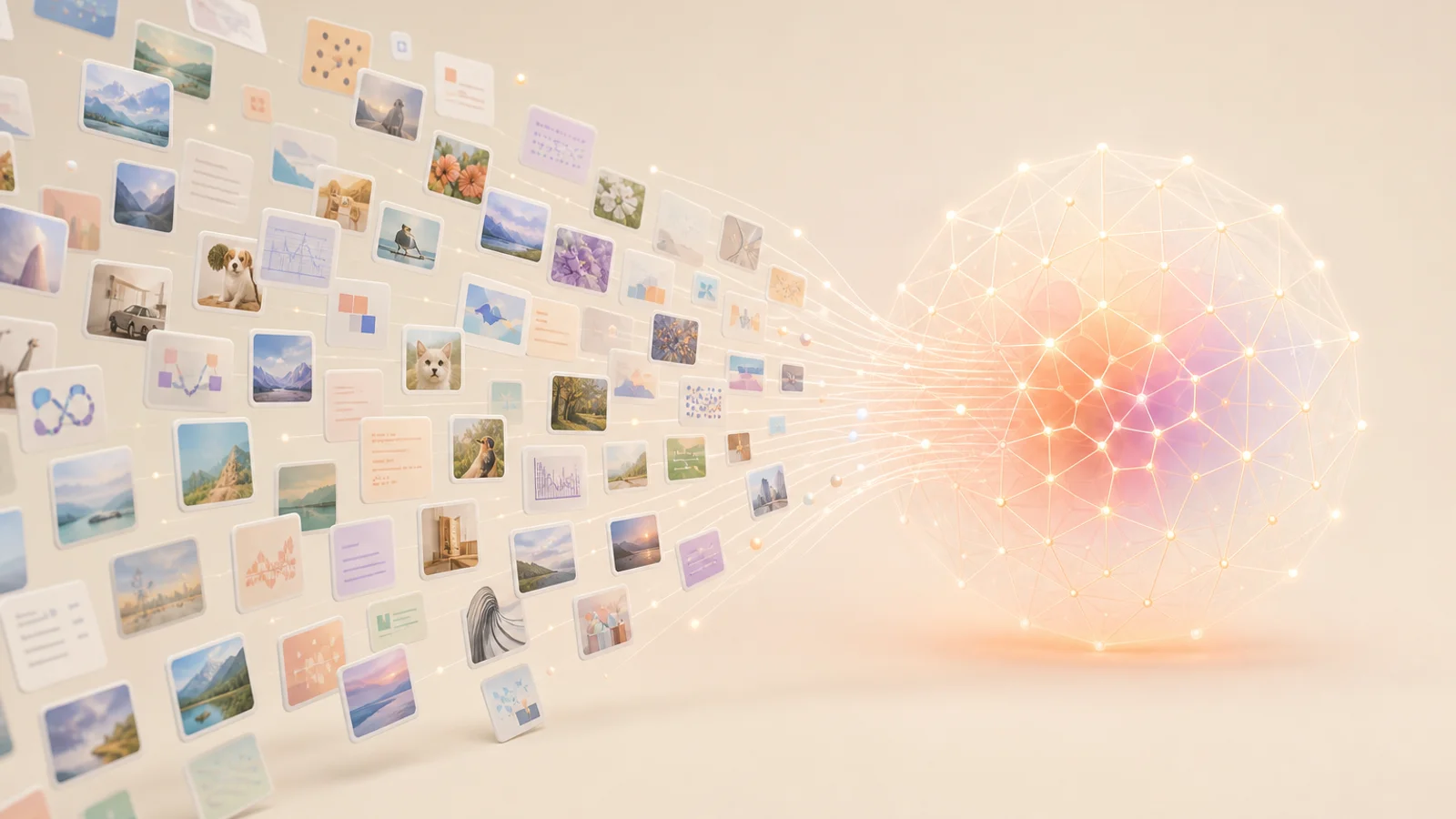
What Is Training Data? The Stuff AI Learns From Before It Sounds Smart
A beginner-friendly explanation of AI training data, why it matters, how data shapes outputs, and why AI systems can repeat patterns, biases, and mistakes.
Read article →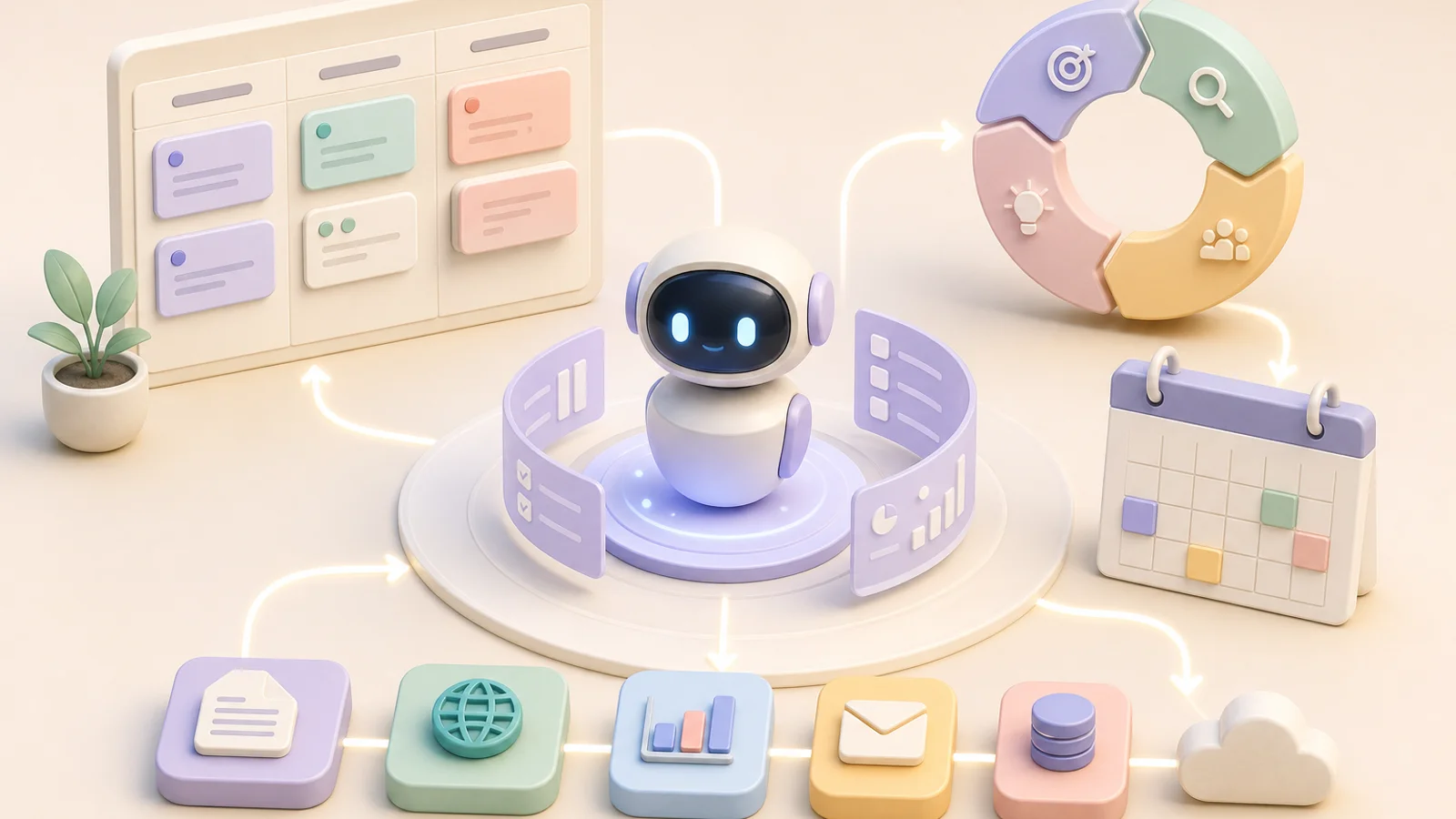
What Are AI Agents? When a Chatbot Gets a To-Do List
A beginner-friendly explanation of AI agents, tools, goals, planning, automation, and why agents are useful but still need boundaries.
Read article →
What Is a Prompt? How to Ask AI Better Questions Without Becoming a Wizard
A beginner-friendly explanation of AI prompts, why wording matters, how to ask better questions, and why prompt engineering is not magic.
Read article →